CopyVault remembers everything you copy — text, links, OTPs, and more — so your clipboard finally has a memory.
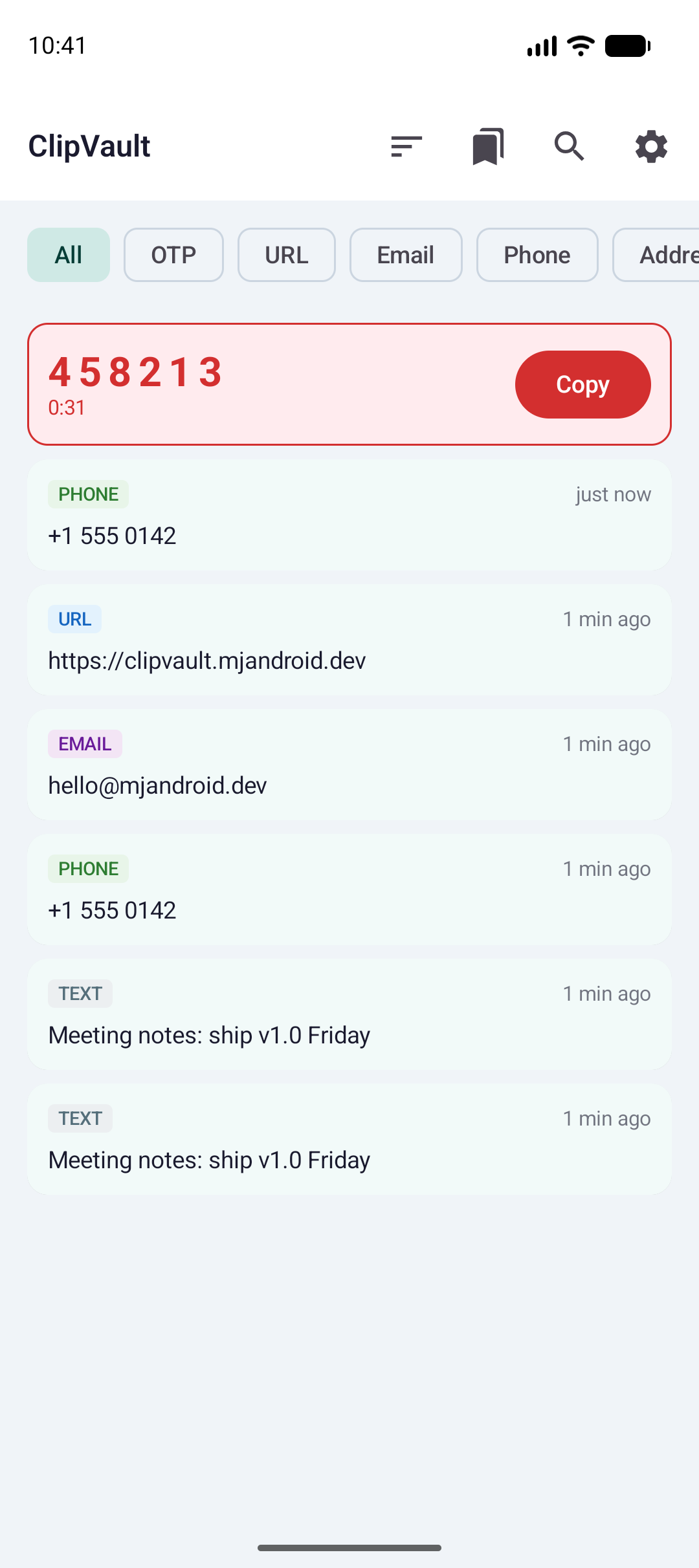
Android's clipboard only remembers your last copy. CopyVault keeps your full history, neatly organized.
Powerful, private and effortless. CopyVault works quietly in the background and is ready the moment you need that thing you copied an hour ago.
Every copy is saved automatically — never re-copy something you already had.
OTP, URL, Email, Phone, Address, Code, Image & Text — all detected automatically.
One-time codes pinned to the top with a countdown timer and one-tap copy.
Find any past clip in a second with fast, full-text search.
Pin favorites, swipe to delete, and auto-delete old clips to stay tidy.
A quick-access overlay on top of any app — grab clips without switching screens.
Light, Dark and true-black AMOLED — pick the look that fits your style.
See exactly which app each clip came from, right on the card.
Your clipboard history stays on your device — quietly, by default.
Back up your full clip history as JSON whenever you want.
Thoughtful details everywhere — from a friendly first run to settings you can tune and a dark mode you'll want to show off.
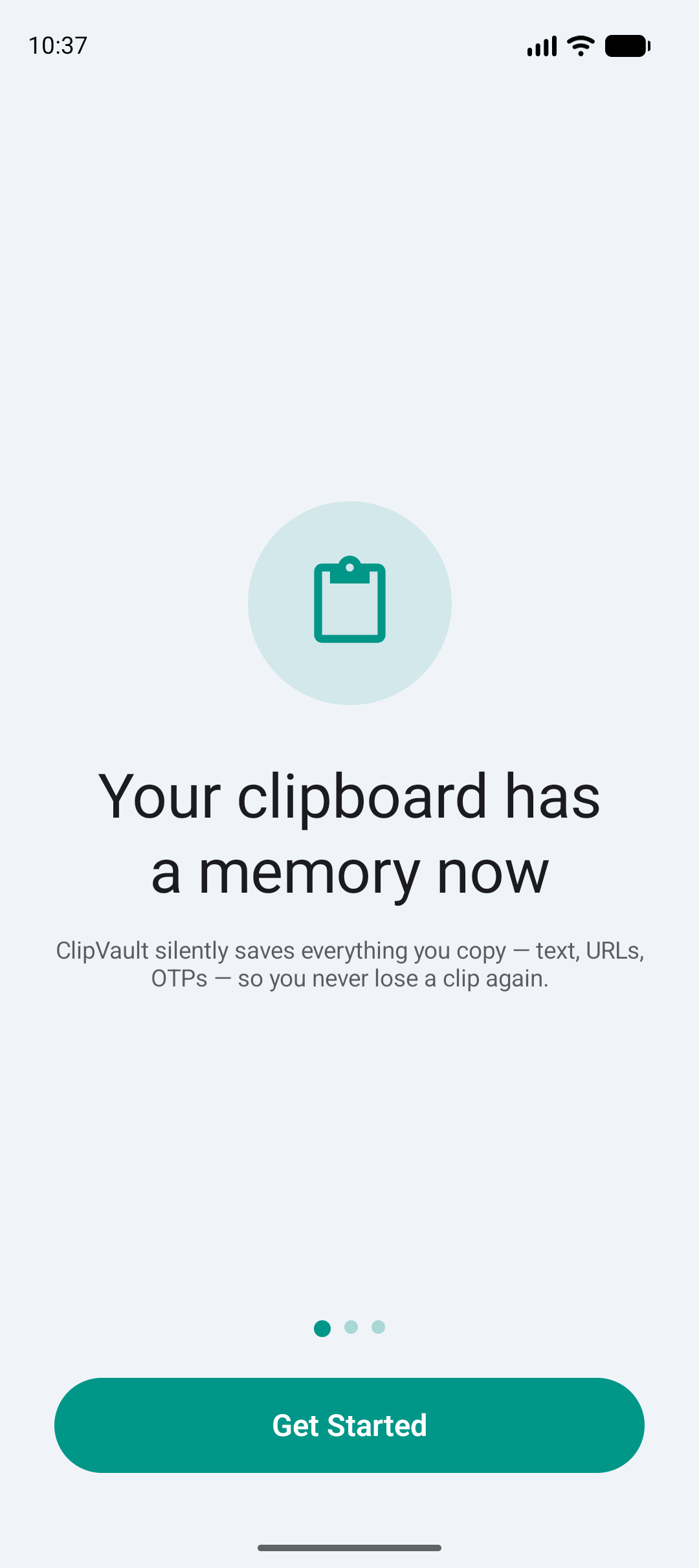
Set up in seconds. CopyVault starts capturing your copies the moment you're done — no accounts, no clutter, no learning curve.
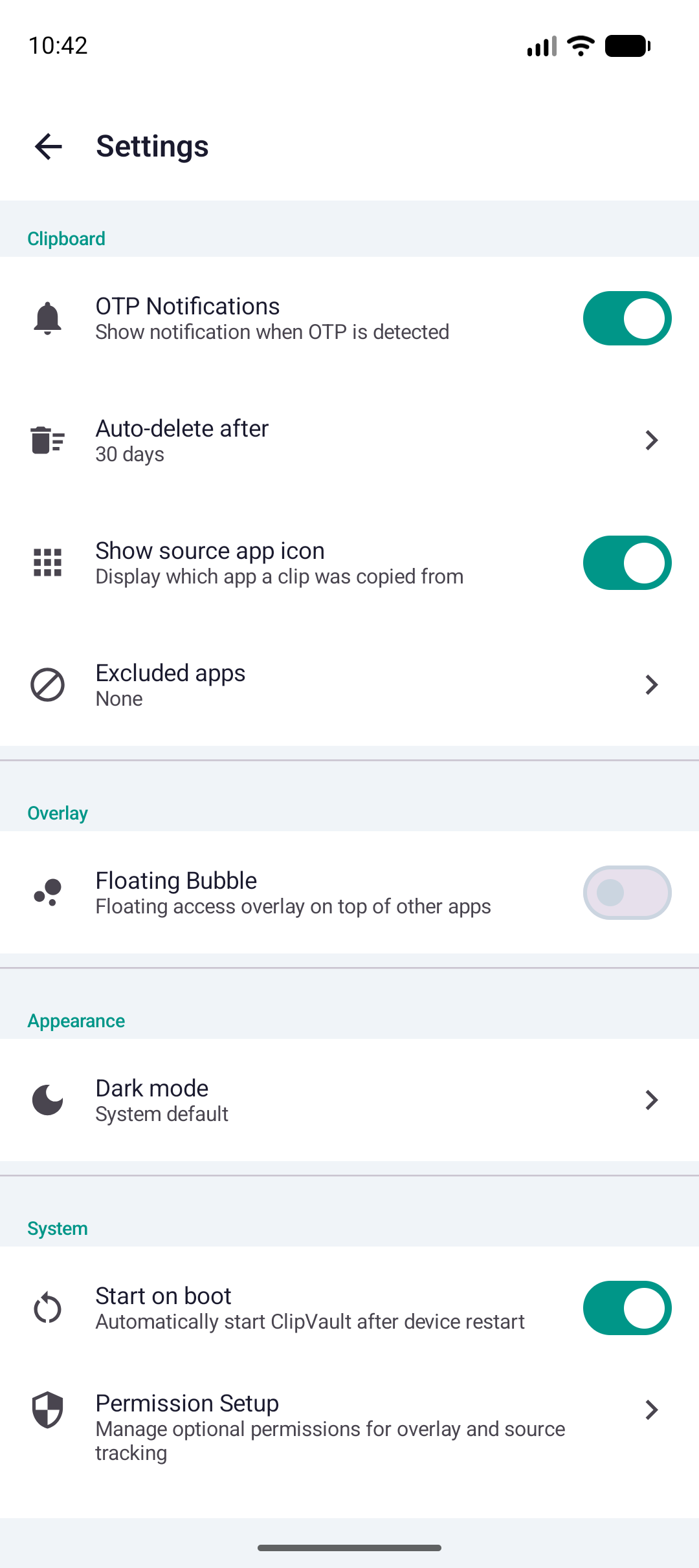
Granular controls let you decide how CopyVault behaves — what it captures, how long it keeps things, and how it looks. It's your clipboard, your rules.
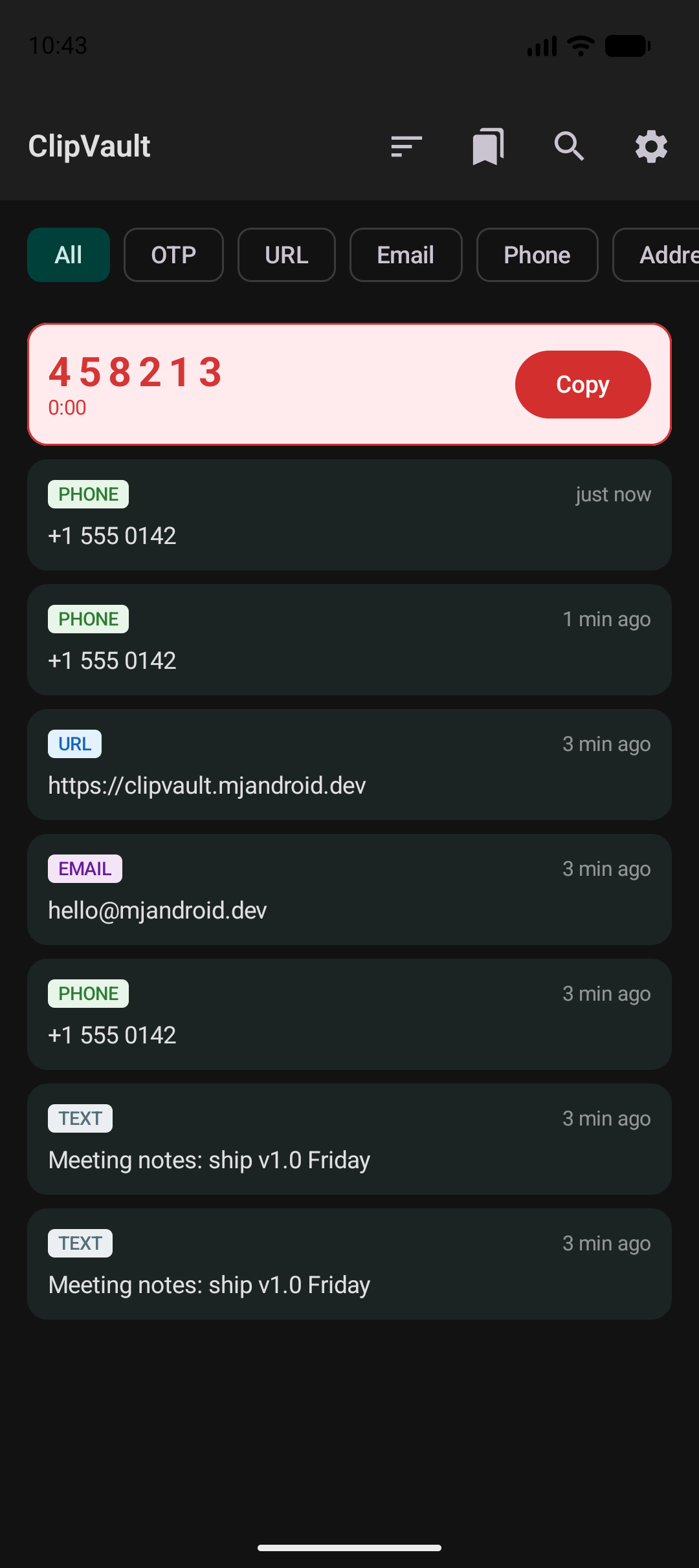
Easy on the eyes and stunning at night. The AMOLED-friendly dark theme keeps your clips crisp and your battery happy on OLED screens.
CopyVault is free and ad-supported. A single one-time purchase removes every ad and unlocks the premium extras — no subscription, ever.
Everything you need to get started
One-time payment — no subscription ever
Free to download. Set up in seconds. Works everywhere Android does.